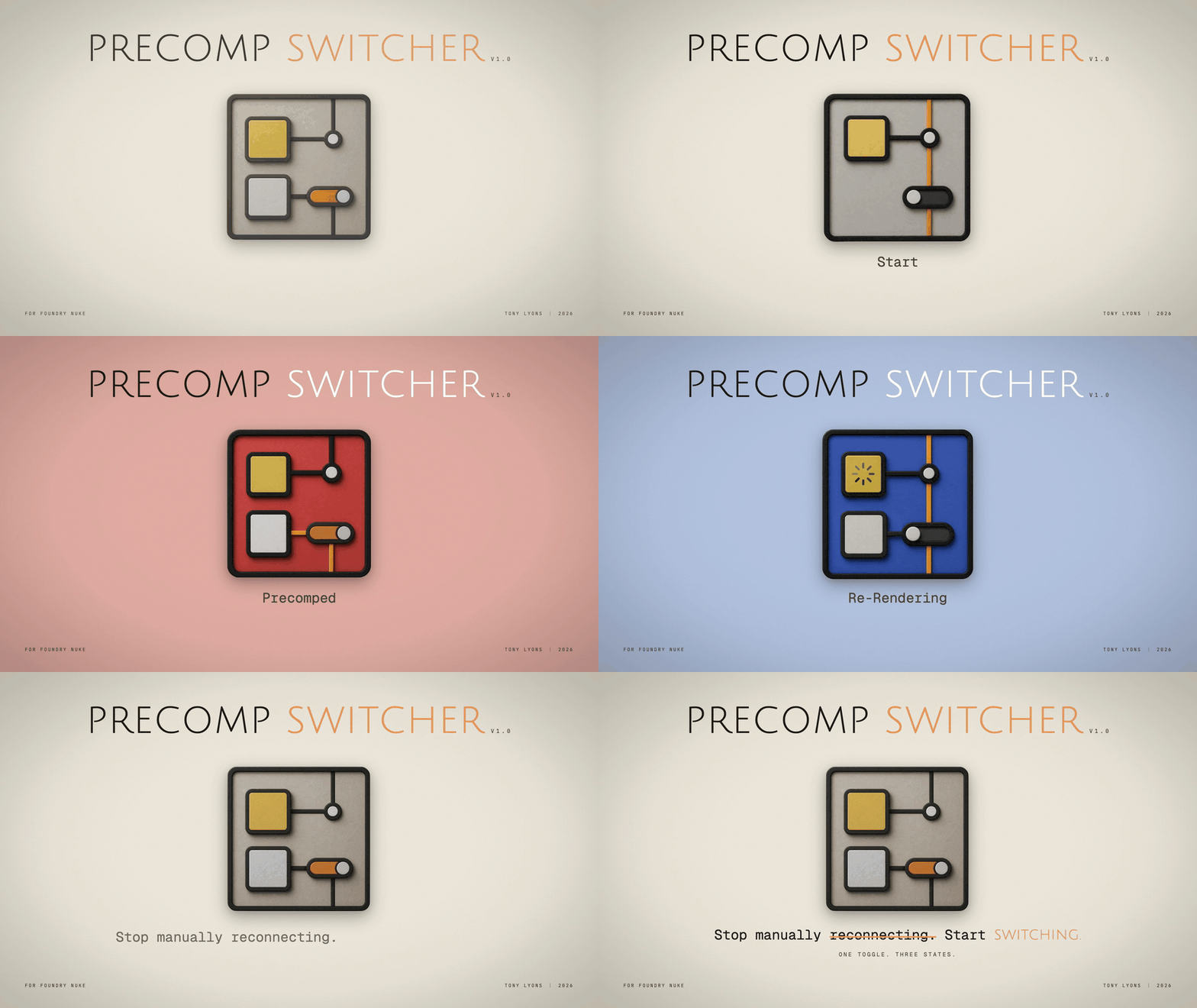
Precomp Switcher v1.0

I’m excited to release Precomp Switcher v1.0, a Nuke plugin that speeds up your precomp workflow.

Features:

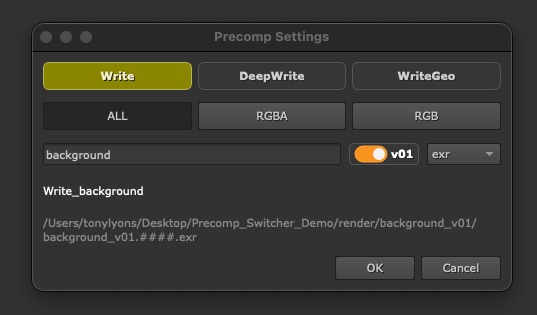
  • A quick panel to create your precomp setup
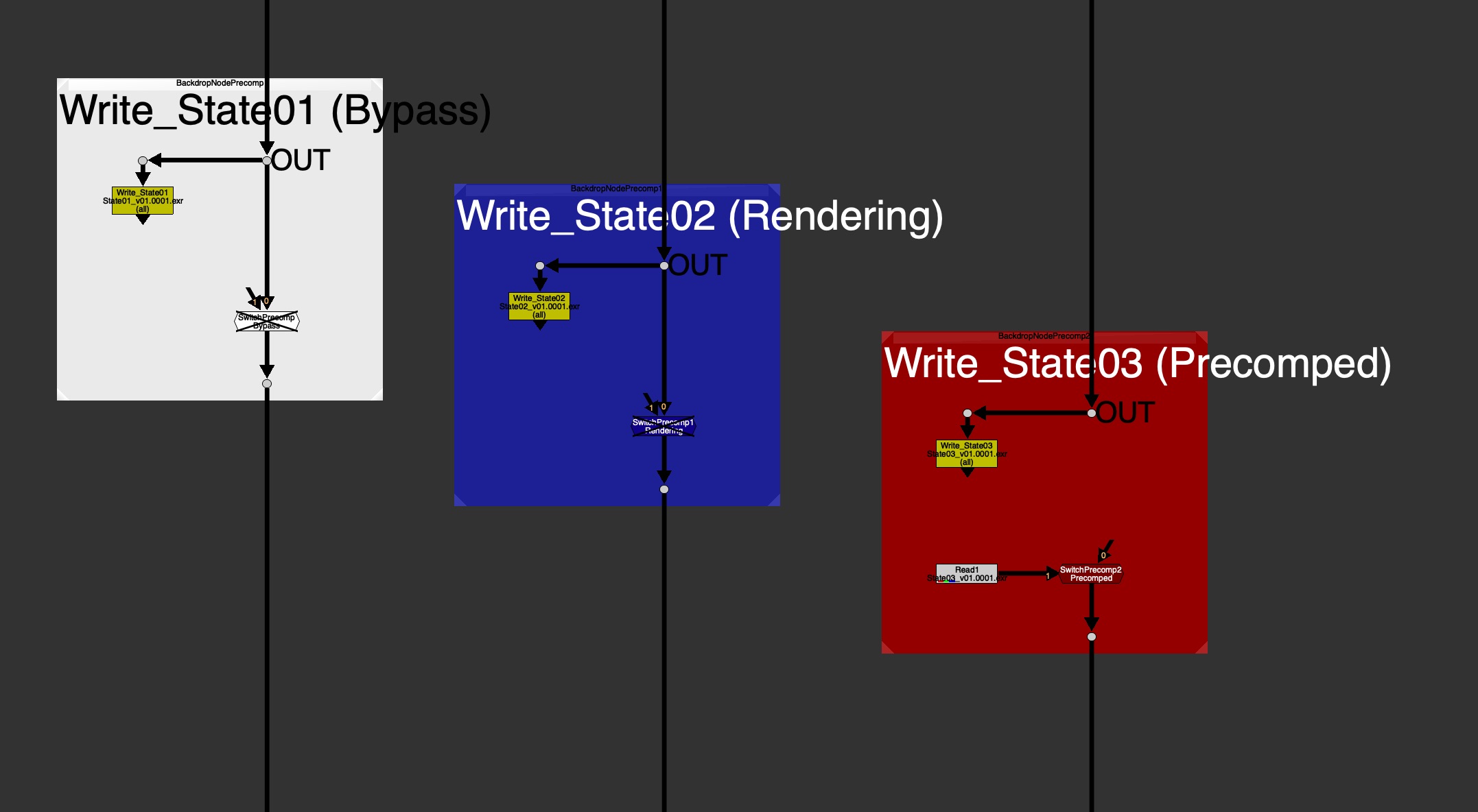
  • A color-coded Backdrop shows the precomp state at a glance:
  • White – Bypass
  • Blue – Rendering
  • Red – Precomped
  • Toggle between Precomped and Bypass simply by disabling the Switch node.
  • User Guide for everyday Artists & Developer Guide for how to hook it up with pipeline.
  • Optional Feature for Localizing your precomps, for folks working with large files over a network.
Why use it?

  • Consistency. Every precomp in every script looks and behaves the same.
  • Readability. Tile color and label tell you at a glance whether a precomp is live, mid-render, or rendered.
  • Speed. One hotkey to build, one to render, one to read back and flip/toggle.
  • Pipeline-friendly. If your studio has its own render command, custom Write Node, custom Read Node or read-from-write tool, a TD can configure this tool to use those hooks to their own pipeline commands, instead of native Nuke ones.
Hotkeys

  • Shift+W to create the Write, Switch, and Backdrop precomp setup
  • F7 to render
  • Alt+R to read back and toggle

Links

Github Repo:
https://github.com/CreativeLyons/PrecompSwitcher

Latest Release:
https://github.com/CreativeLyons/PrecompSwitcher/releases/latest
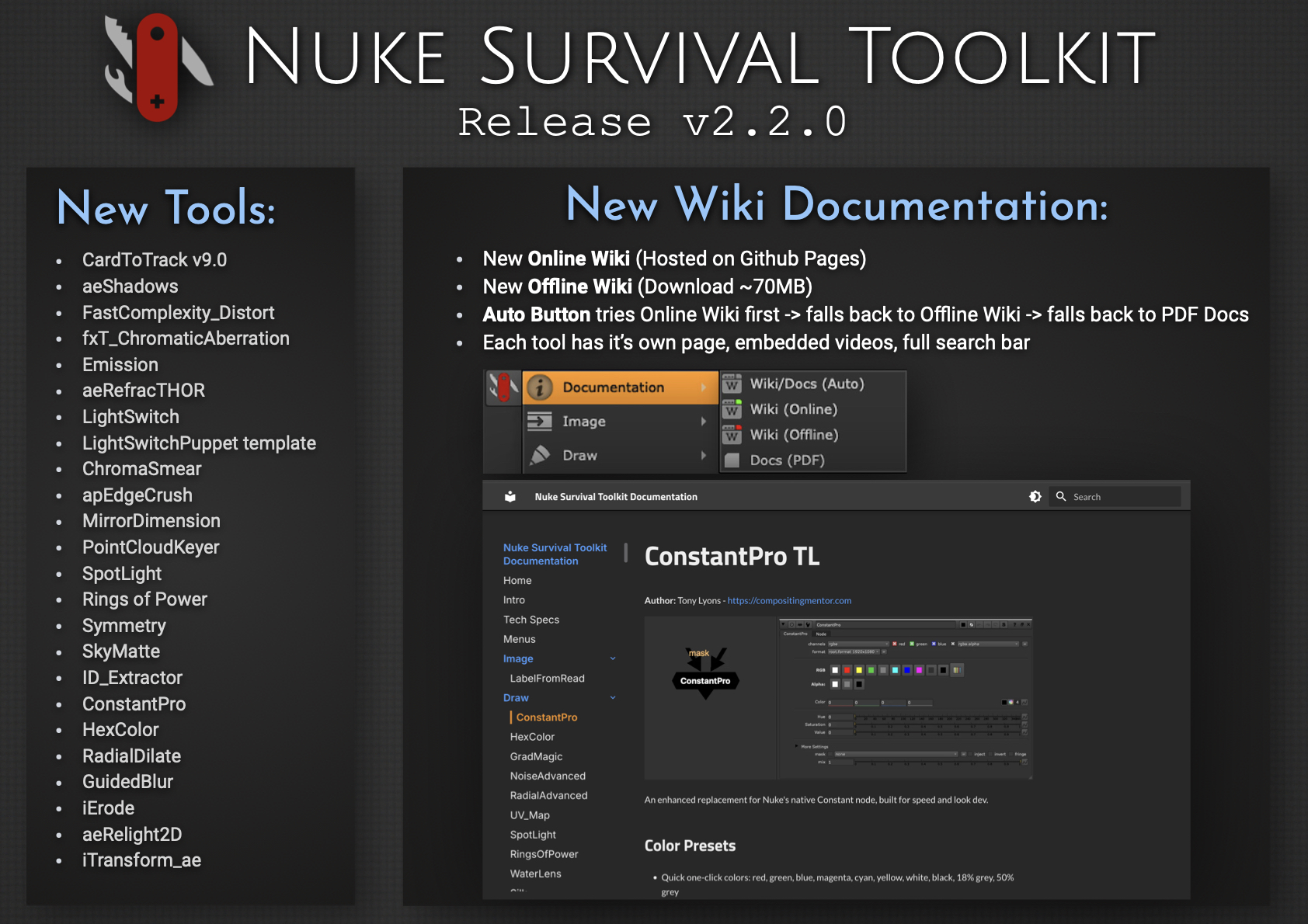
Nuke Survival Toolkit Release v2.2.0

Every once in a while, you take on an ambitious project, bite off more than you can chew, and learn a lot along the way… 😅

I’m excited to release Nuke Survival Toolkit v2.2.0, now featuring a brand-new Online Wiki, replacing the previous Google Docs setup. Each tool now has its own dedicated page with embedded videos and images, along with a fully functional search bar.

For folks working in internet-restricted environments, there’s also a downloadable Offline Wiki (~70MB). It mirrors the online version (minus video embeds), so you can browse everything locally without internet access. The PDF documentation is now generated directly from the wiki, ensuring it always stays in sync.

Converting the Google Docs to a full wiki, packaging an efficient offline version, and maintaining a dynamic PDF pipeline was… a challenge. But it is now a well oiled system that is easy to update. This process also gave me a deeper appreciation for the effort behind maintaining high-quality documentation, credits, references, and educational resources. Kudos to all you Wiki warriors out there.

Hope the new wiki helps you find tools faster or discover ones you didn’t know were there.


New Documentation System
– Live Online Wiki (replacing the previous Google Docs)
– Dedicated page for each tool
– Embedded videos, GIFs, images, and links
– Full search functionality for quickly finding tools
– Downloadable Offline Wiki (~70MB) for offline use (no video embeds)
– PDF documentation generated directly from the wiki (always in sync)
– Updated NST menu documentation launcher
– Auto mode: Online Wiki → Offline Wiki → PDF

What else is new since v2.1.0?
– 27 new tools added
– 44 tool updates, including a Nuke 13+ python2 to python3 sweep
– Nuke 16 & PySide 6 compatibility for all tools needing upgrade
– New CardToTrack v9 release supported (works on Nuke 16)
– 11 targeted issue fixes & cleanup: ie. improved Windows path handling

Link to the new NST Release page:
https://github.com/CreativeLyons/NukeSurvivalToolkit_publicRelease/releases/tag/v2.2.0

Link to the New Online Wiki Documentation:
https://creativelyons.github.io/NukeSurvivalToolkit_Wiki/

Link to both Github Repos:
NST: https://github.com/CreativeLyons/NukeSurvivalToolkit_publicRelease
NST Wiki: https://github.com/CreativeLyons/NukeSurvivalToolkit_Wiki